> For the complete documentation index, see [llms.txt](https://docs.gremsy.com/llms.txt). Markdown versions of documentation pages are available by appending `.md` to page URLs; this page is available as [Markdown](https://docs.gremsy.com/gimbals-for-m300-m350/pixy-sm/getting-started/introduction.md).
# Introduction
## OVERVIEW
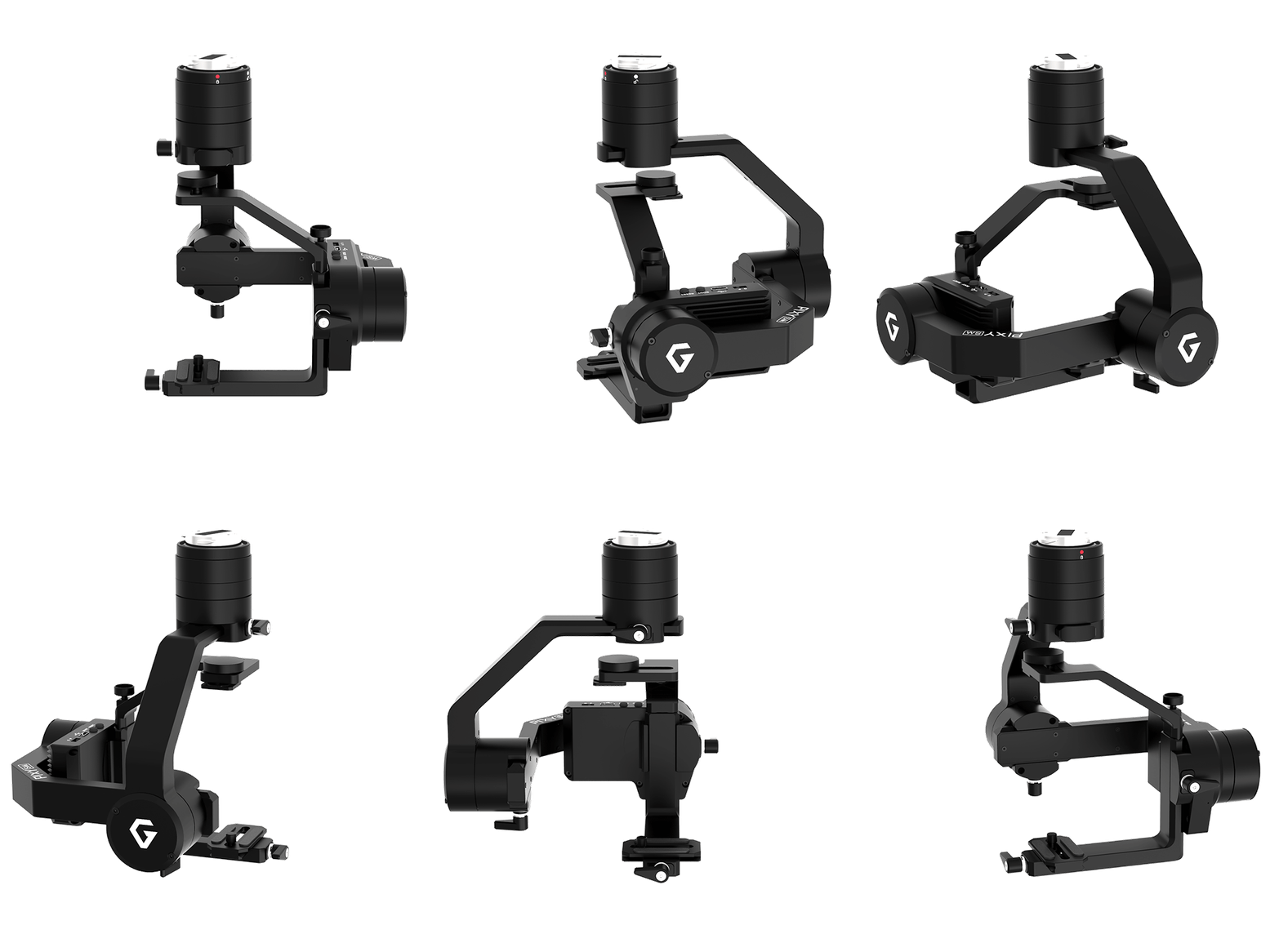
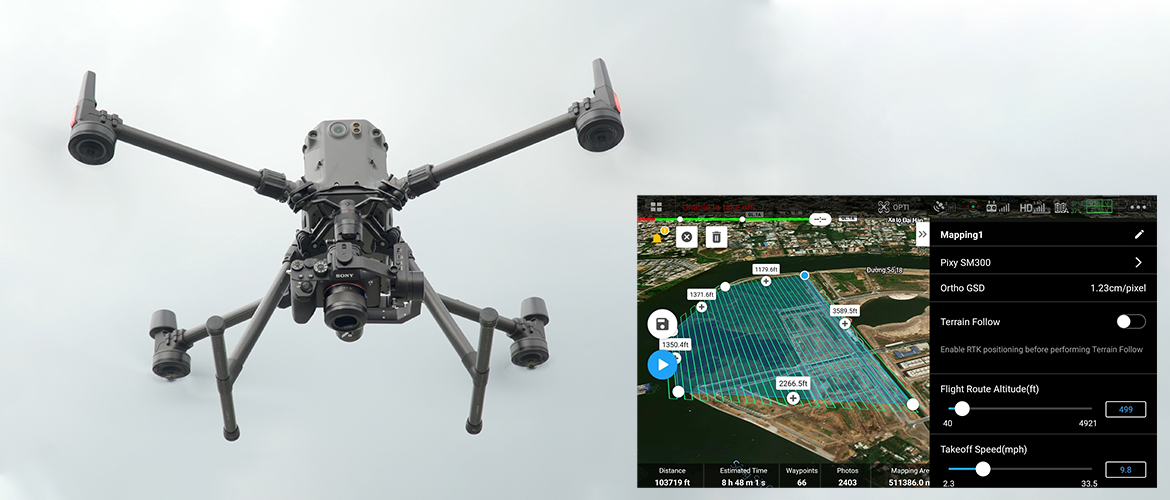
Pixy SM is specially designed to integrate the leading professional M300 RTK drone with the full-frame mirrorless Sony α7R IV camera, offering an unbeatable combination for precision aerial mapping missions.
## FEATURES
### PLUG & PLAY WITH M300 RTK
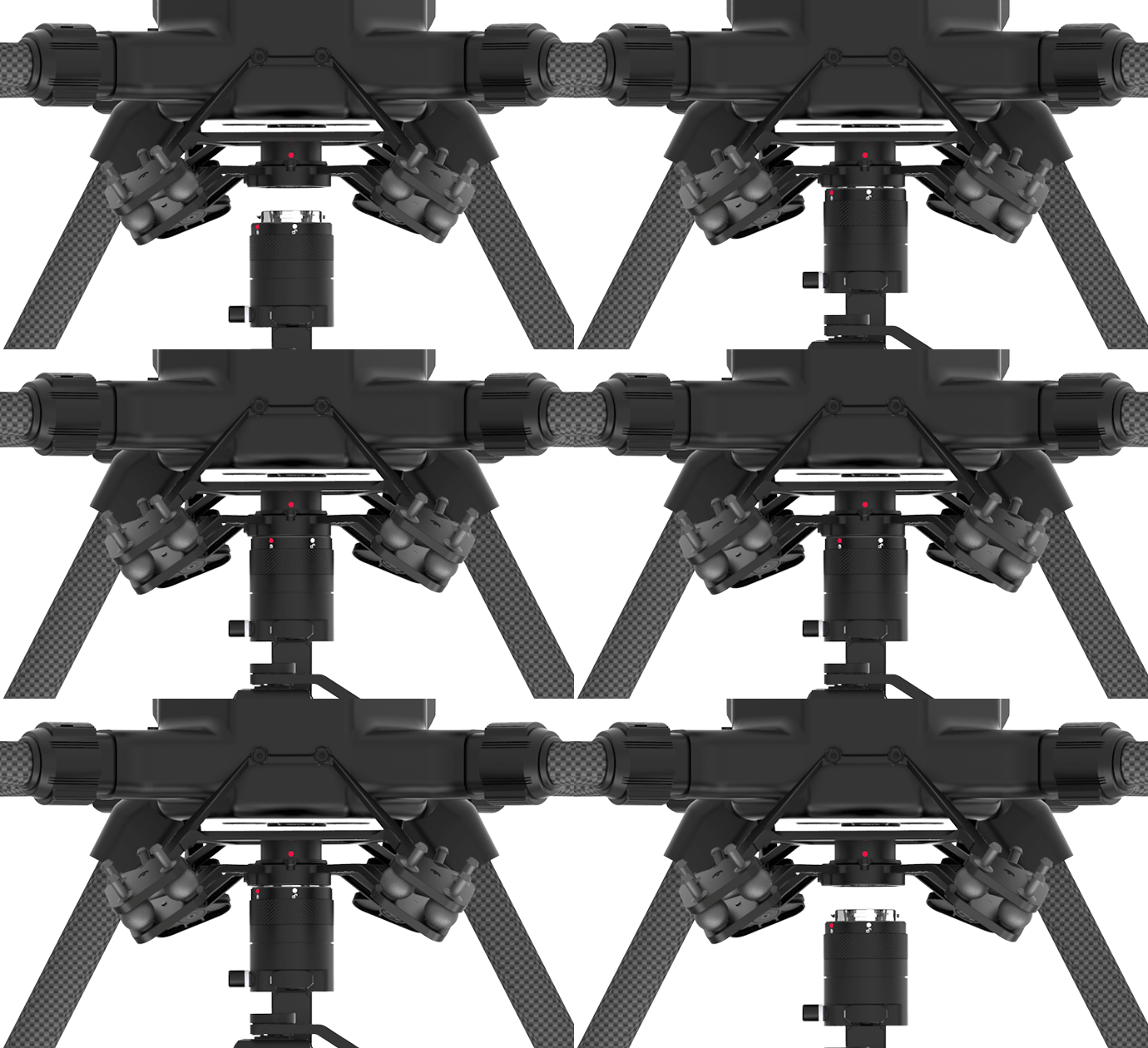
Utilizing the built-in advanced processing module, integrating with M300 RTK is quick and straightforward within seconds. Just mount, connect, and you’re ready to go.
### FULLY COMPATIBLE WITH SONY Α7R IV
Pixy SM is optimized to work perfectly with the 61-megapixel Sony α7R IV, ensuring that you can get high-resolution imagery for creating accurate maps.
Supported lens: 28mm, 35mm, 55mm
Recommended SD cards: 256GB, at least 90MB/s read/write speed.
### BUILT FOR MAPPING
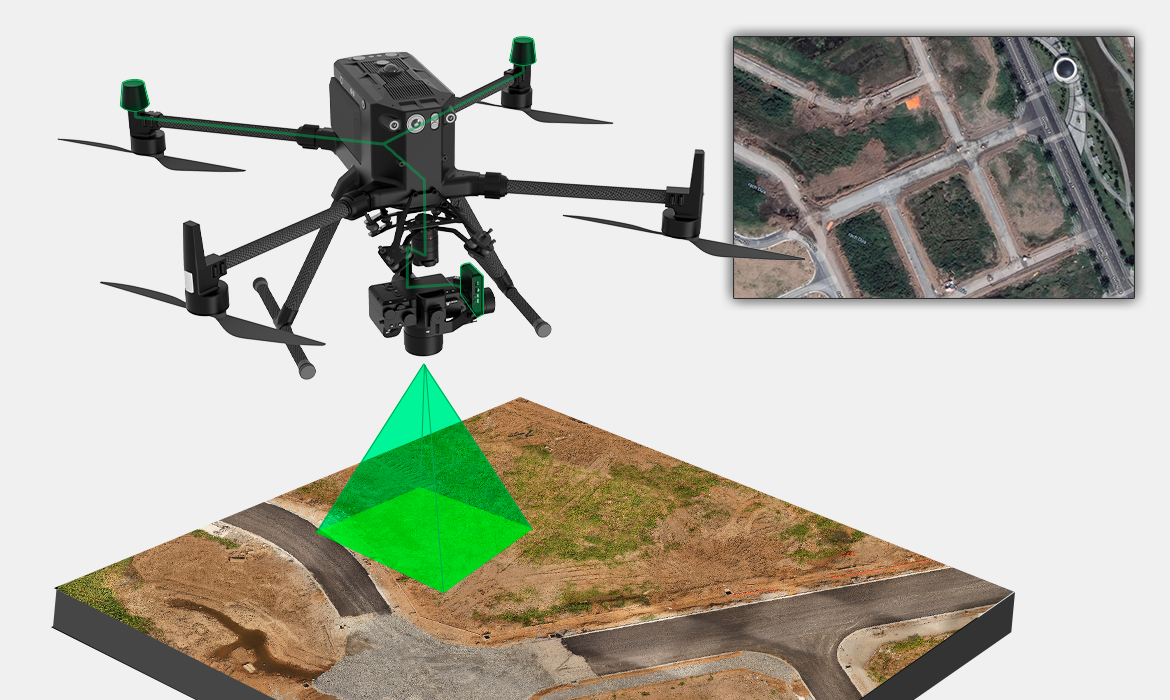
In concert with M300 RTK and Sony α7R IV, Pixy SM brings out the best-ever-grade mapping solution for geospatial experts.
### HEATED & TEMPERATURE CONTROLLED IMU
Heated and temperature controlled IMU sensor allows reliable performance even in extreme weather. Temperature is maintained within 0.2 degrees Celsius accuracy.
### HIGH PERFORMANCE GIMBAL CONTROLLER & IMAGE PROCESSOR
Advanced gimbal controller designed and made by Gremsy based on a 32 bit high performance ARM microprocessor providing fast response and accurate calculation. Combine with high performance data & image processors that allow to process the image and GPS data as highest accuracy during mission.
---
# Agent Instructions
This documentation is published with GitBook. GitBook is the documentation platform designed so that both humans and AI agents can read, navigate, and reason over technical content effectively. Learn more at gitbook.com.
## Querying This Documentation
If you need additional information that is not directly available in this page, you can query the documentation by asking a question.
Perform an HTTP GET request on the following URL with the `ask` and `goal` query parameters:
```
GET https://docs.gremsy.com/gimbals-for-m300-m350/pixy-sm/getting-started/introduction.md?ask=&goal=
```
`ask` is the immediate question: it should be specific, self-contained, and written in natural language.
`goal` is what the user is ultimately trying to achieve, the reason they need the answer. Sharing it helps GitBook give you a better, more relevant answer. A goal is most helpful when it describes the outcome the user wants rather than restating the question. For example, with `ask=how do I create an API token`, a goal like `automate deployments from our CI pipeline` lets GitBook tailor the answer to that use case.
The response will contain a direct answer to the question and relevant excerpts and sources from the documentation.
Use this mechanism when the answer is not explicitly present in the current page, you need clarification or additional context, or you want to retrieve related documentation sections.